iPhone
NEXVYVE for iPhone: your AI personal trainer, created by a coach with years of experience
The same app, on your iPhone. Download it from the App Store and start with your free trial.

Offer on iPhone
30 days free
Then $9.99/month or $79.99/year.
- Free trial if it's your first subscription.
- Price in USD; the App Store shows it in your currency.
- Cancel anytime in Settings → Subscriptions.
In three steps
- Tap the App Store button or search for “NEXVYVE”.
- Create your account and answer the two-minute questionnaire.
- KAEL builds your plan. Start today.
What's inside
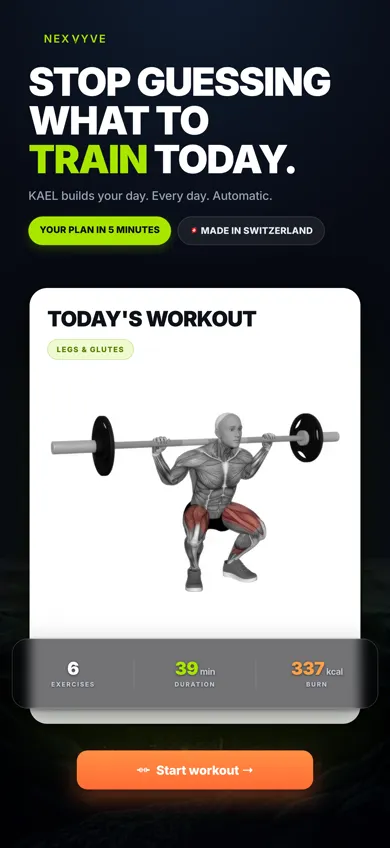
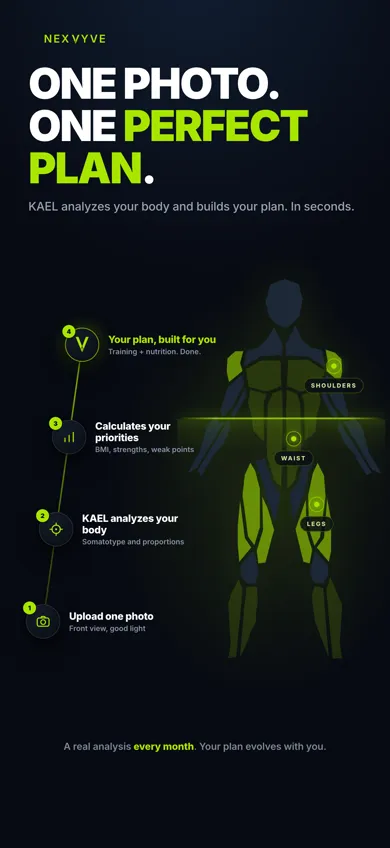
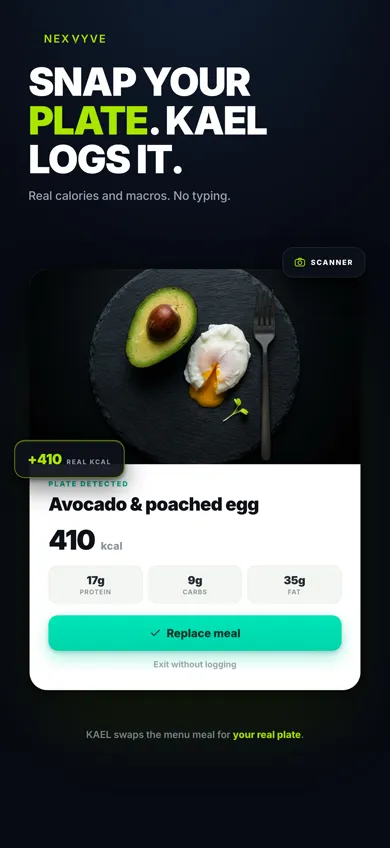
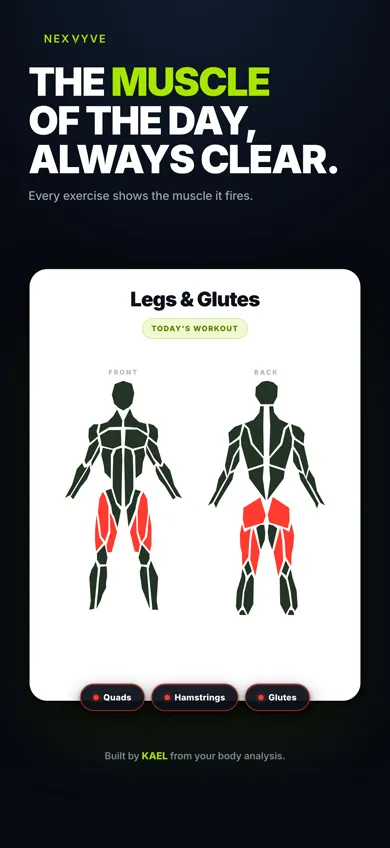
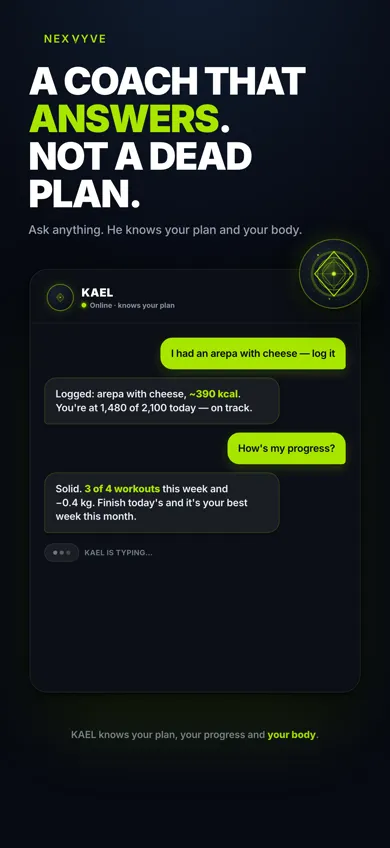
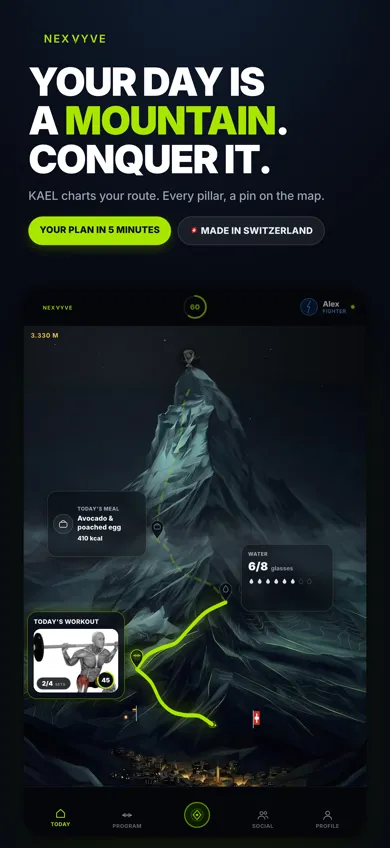
What does a day with NEXVYVE look like? Read the daily guide →
Questions about iPhone
How does the free trial work?
The first time you subscribe, the App Store gives you a trial period at no charge. You see its exact length before confirming. If you cancel before it ends, you pay nothing.
What happens when the trial ends?
The subscription you chose (monthly or yearly) starts at the price the App Store showed you in your currency. You can change plan or cancel at any time.
How do I cancel?
On your iPhone: Settings → your name → Subscriptions → NEXVYVE → Cancel. You keep access until the end of the paid period.
Which languages is it in?
On iPhone, NEXVYVE is in Spanish, English, German, French, Italian and Portuguese, including KAEL.
Can I use my iPhone account on Android?
No. On Android the app is called KAEL by NEXVYVE and uses a separate account, but you share the same community and the same ranking. If you switch phones, create your new account on the Android page.